
This introductory course is designed to help you master the essentials of Microsoft 365, empowering you to work efficiently and collaboratively in a modern digital environment. Through step-by-step video training, you’ll learn how to navigate key tools and features, from document creation to seamless teamwork.
Key Learning Objectives:
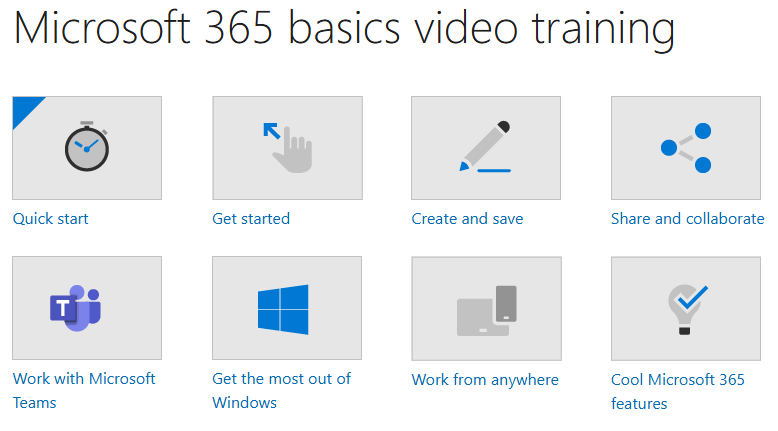
Quick Start: Familiarize yourself with the Microsoft 365 interface and core applications.
Create and Save: Learn to draft, edit, and store documents securely in the cloud.
Share and Collaborate: Discover real-time co-authoring, file sharing, and version control.
Work with Microsoft Teams: Master communication, meetings, and project collaboration.
Optimize Windows Integration: Leverage Windows features for enhanced productivity.
Work from Anywhere: Access files and apps across devices with OneDrive and mobile tools.
Cool Features: Explore time-saving tips, AI-powered tools (like Copilot), and automation.
Who Should Enroll?
Beginners new to Microsoft 365.
Professionals seeking to improve workplace efficiency.
Remote workers or teams transitioning to cloud-based collaboration.
By the end of this course, you’ll confidently use Microsoft 365 to streamline tasks, collaborate effectively, and unlock advanced features for everyday productivity.
Prerequisites: None—just a willingness to learn!
Would you like any modifications or additional focus areas?